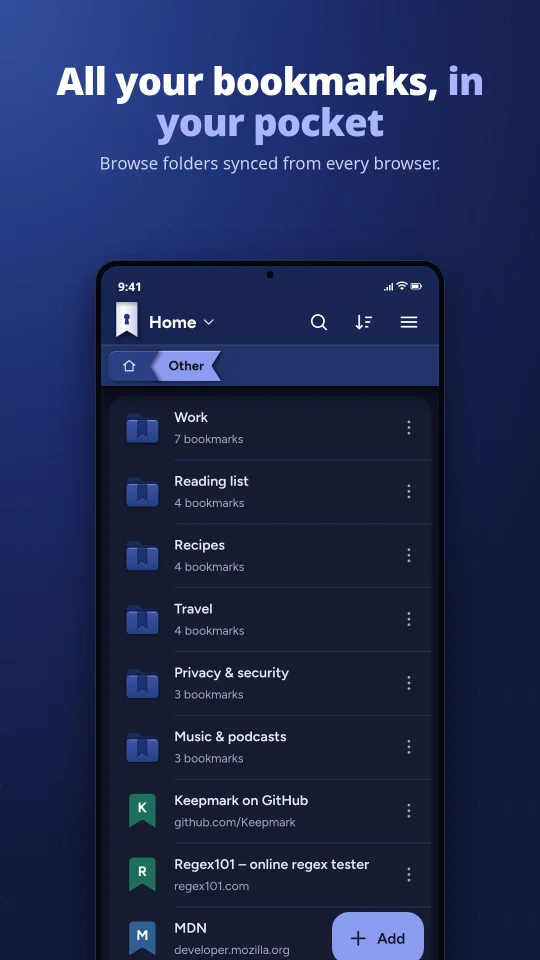
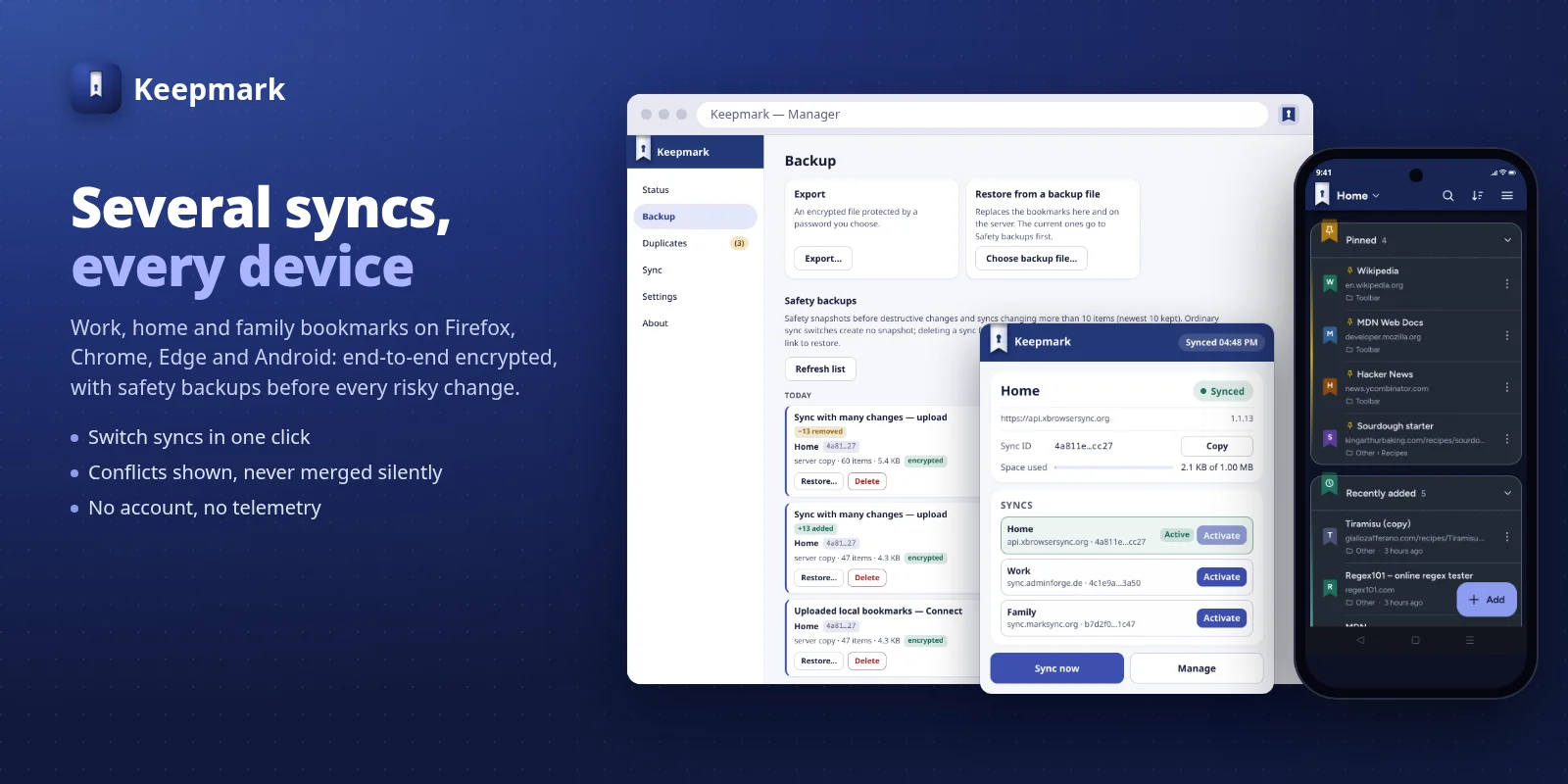
Keepmark keeps the same bookmarks on all your browsers and your Android phone. Everything is encrypted on your device before it leaves: the server stores only ciphertext, and your password is never sent to it. Keep several syncs side by side — work, home, family — and switch in a click. Linking a phone by QR hands the sync's key, never the password, from your browser to your own phone, directly and only when you ask.
Free · No account · No telemetry · 9 languages
Already using xBrowserSync? Keepmark opens your existing sync on any xBrowserSync service. Nothing to migrate.
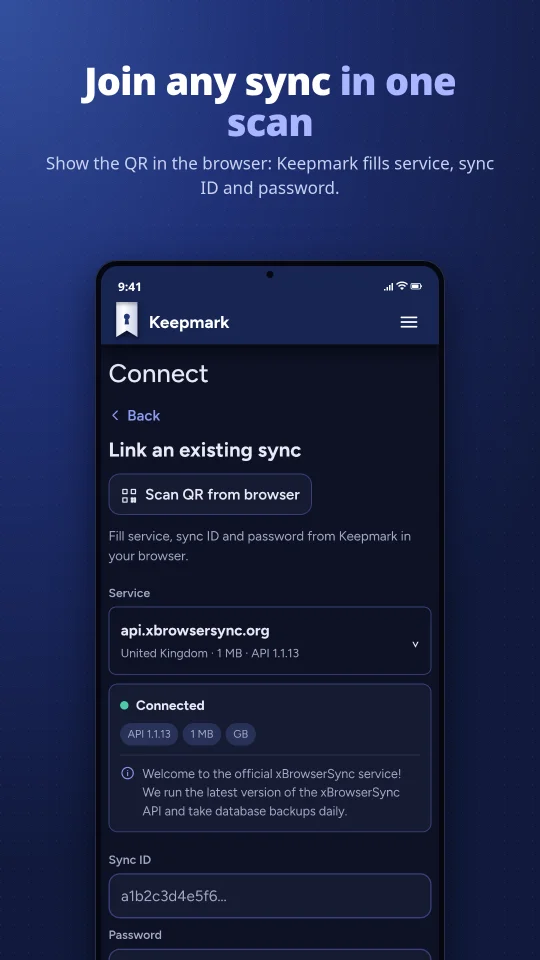
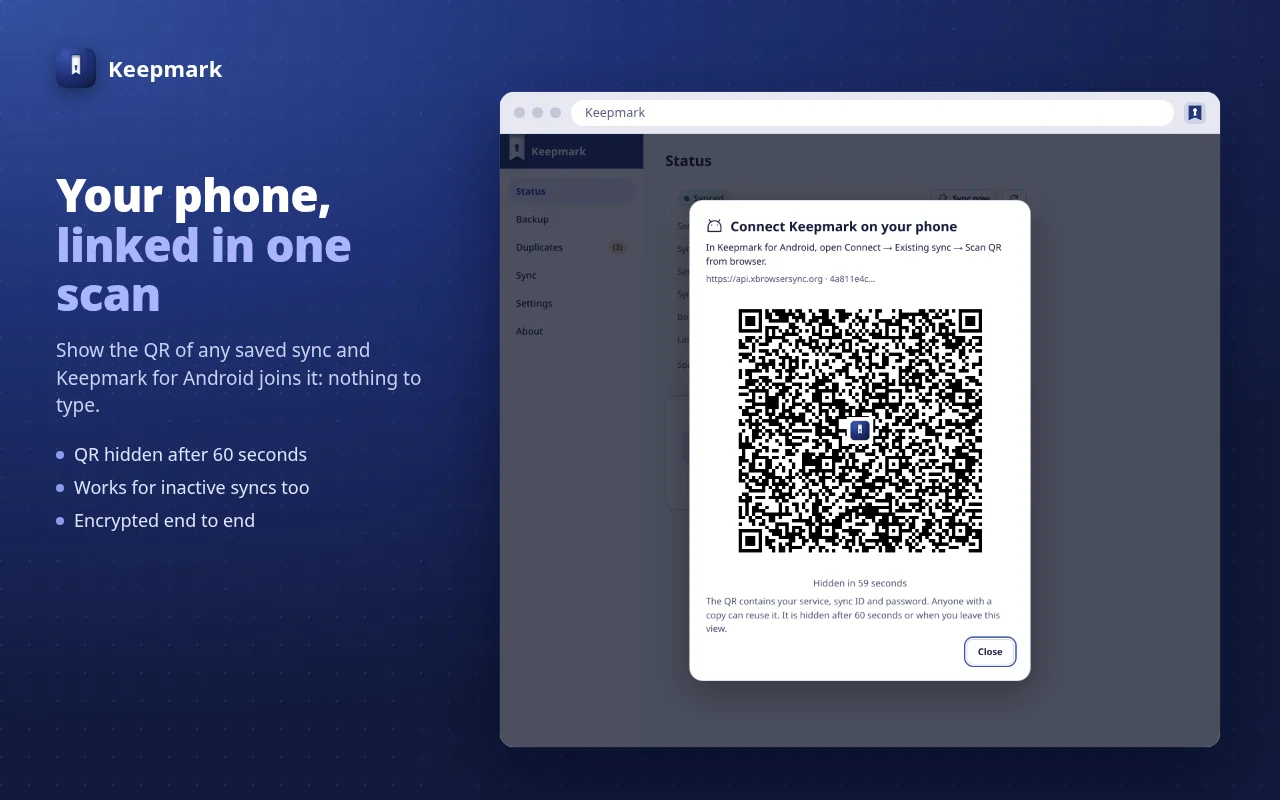
Putting your phone on the sync you already use in the browser used to mean typing the service, the sync ID and the password. Now the browser manager shows a connection QR and the phone reads it: service, sync ID and the sync's key arrive together, ready to review. The password never leaves the browser.
In the Keepmark browser manager the Android card says “Connect Keepmark on your phone”: choose “Show connection QR”. If you set a sync lock, enter its password first.
Open Keepmark for Android → Connect → Link an existing sync → “Scan QR from browser”. The camera is requested only while you scan, and no image is saved.
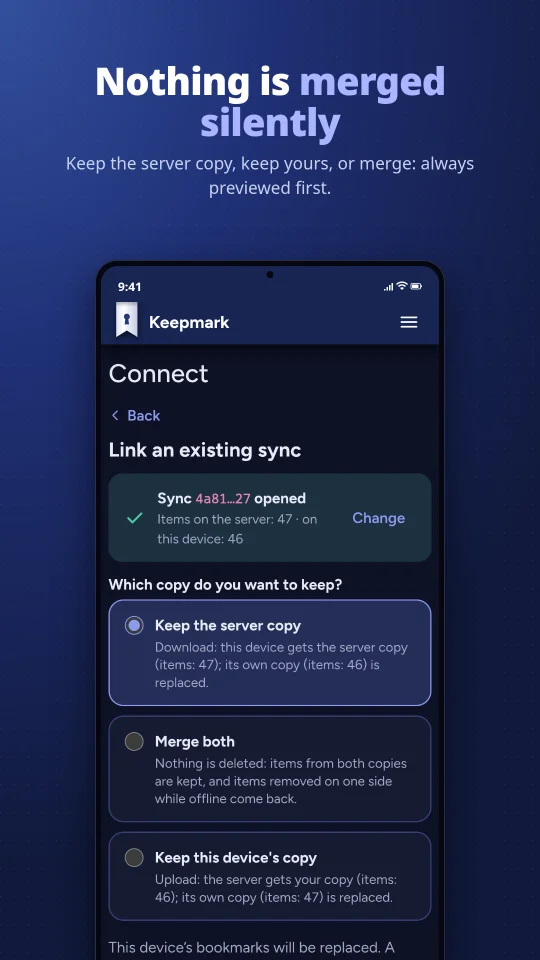
The phone shows the service and the abbreviated sync ID before anything is sent, then you choose the direction: server copy, merge, or the phone's copy.
The connection QR carries the sync's encryption key, not your password: anyone with a copy can read and change that sync's bookmarks, so show it only to your own device. The browser erases it after 60 seconds or when the window loses focus, and a captured copy stays usable. Nothing is stored for it, a sync lock in the browser keeps others from showing it, and manual linking is always available. Keepmark for Android 1.0.247 or later is needed to read it.
Built for people who want their bookmarks private and never want to lose one by surprise.
PBKDF2-SHA256 and AES-GCM on your device. The service that stores your sync sees only ciphertext.
Works with the official service, community hosts or your own server, and with the official xBrowserSync apps, both ways.
When two devices disagree, you choose: take remote, upload local, or merge, with a preview of the counts first.
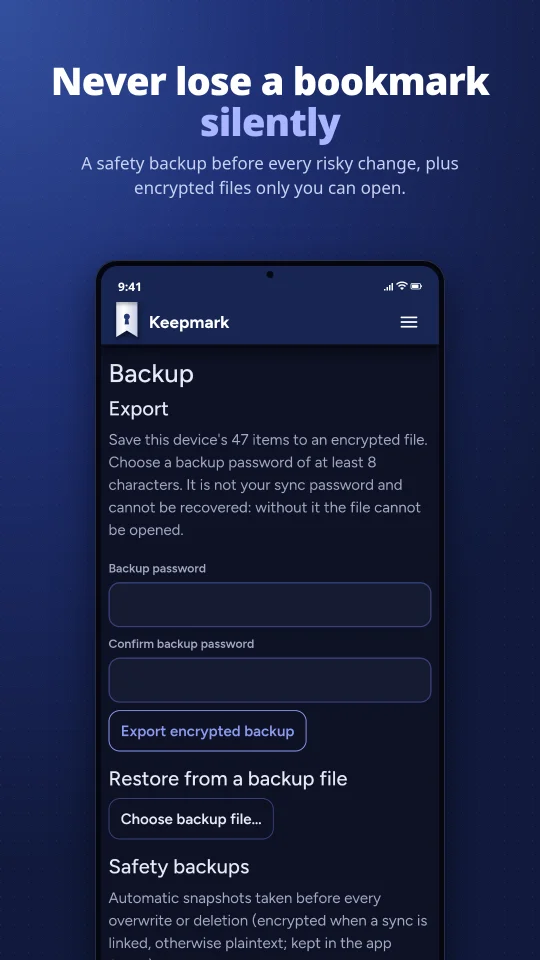
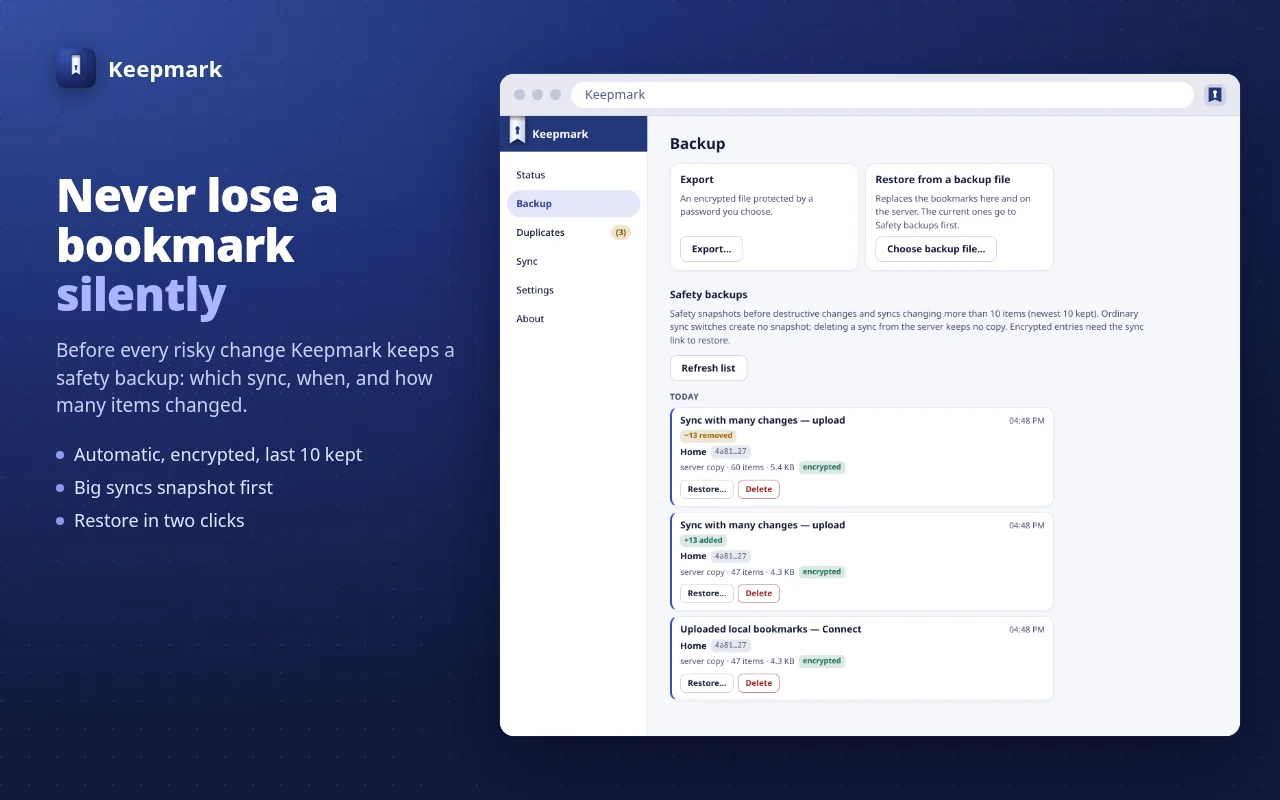
An encrypted snapshot is taken automatically before every destructive step. Restore it in one tap.
Find links saved more than once and remove them in bulk. The last copy of each link is always kept.
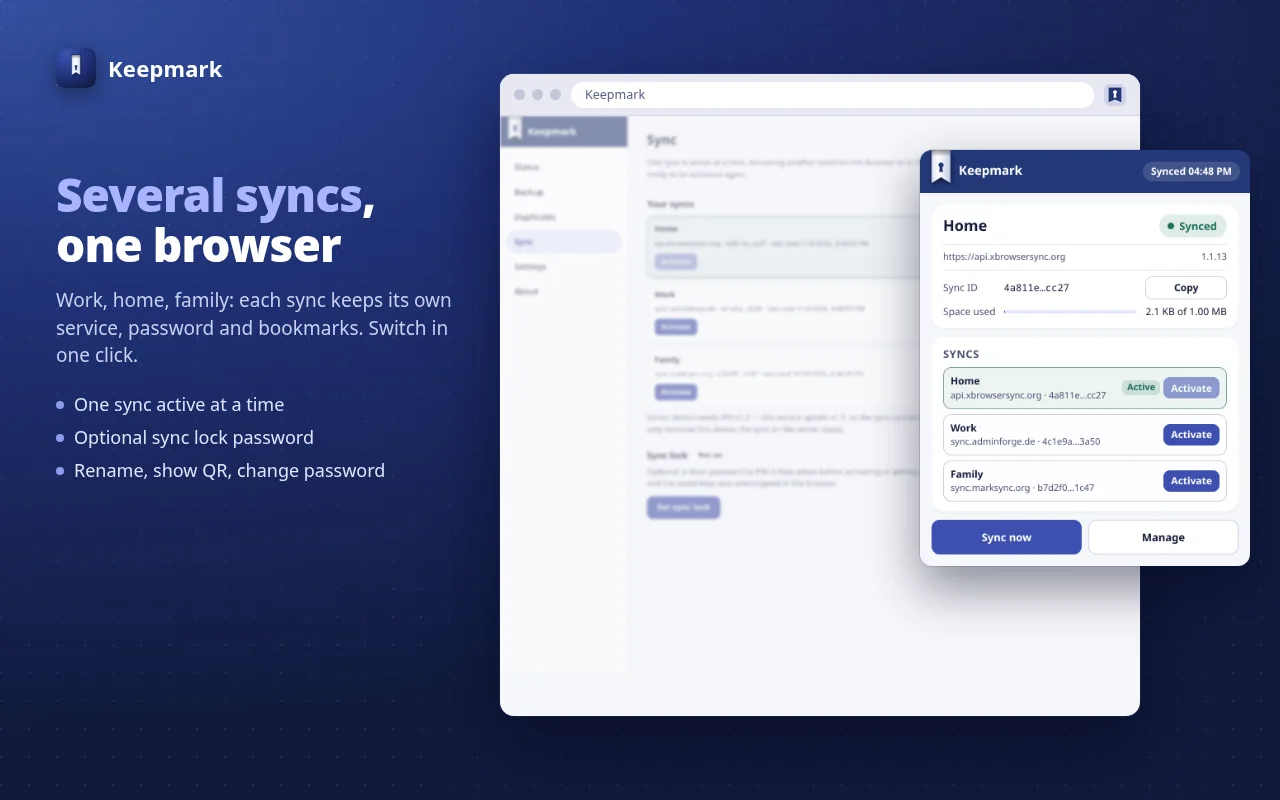
Work, home, a shared family sync or a second server: every sync keeps its own service, password and bookmarks, and you switch in a click — optionally behind a short sync-change password.
A native app for Android 10 and later, built around privacy.
An extension for Chrome, Edge and Brave (Manifest V3) and for Firefox.
A drop-in replacement for the xBrowserSync API. Official xBrowserSync apps and Keepmark apps work unchanged. Optional: Keepmark works on any xBrowserSync service.
Same endpoints, error codes and MongoDB layout, byte-identical v1.1 responses. No user migration.
Every conditional write is an atomic compare-and-swap: two clients pushing at once can no longer silently lose a sync.
Docker Compose with MongoDB and rolling backups, healthchecks, throttling and sync IDs truncated in every log line.
docker pull keepmark/keepmark-api
· Docker Hub
· Source and docs
Install Keepmark, then create a new sync or link the one you already use with xBrowserSync.
Install from the Chrome Web Store for Chrome, Edge and Brave. Packages are also available in the latest release.
Add to ChromeInstall from Google Play on Android 10 and later. Release notes for every version are on GitHub.
Get it on Google PlayRun Keepmark Server with Docker Compose, then point any Keepmark or xBrowserSync app at it.
Setup guide